

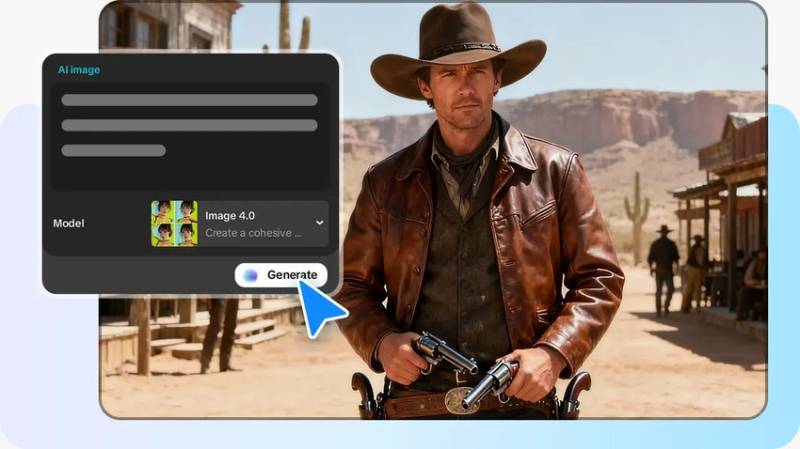
The visual identity is a powerful way through which a brand can talk in saturated markets. Any company dealing with products depends on clear images to develop trust and acknowledgment. This need increases as viewers are able to compare dozens of choices in a few seconds. Branding based on product alone can only succeed when the imagery portrays a sense of clarity, relevancy and emotional value. CapCut serves contemporary creators with the help of convenient tools that boost the aesthetic aspect of branding. Its web-based interface allows you to create product-oriented images without bulky software.
Brand Identity: The Product-Based Imagery
The images of products affect the evaluation of quality, value, and personality by the audience. There is lighting, texture, and composition that direct the narrative of each product shot. Clean reflections or gentle shadows may indicate the high quality of craftsmanship, whereas the bold frames may establish the playful brand image. Regular visuals are used to ensure brand identity in web pages, advertisements, and online stores. CapCut reinforces this consistency by offering accurate editing and simplified generation tools to enable each product image to reinforce a single message. It becomes clear how essential an AI image generator becomes for modern product branding, especially when working at scale.
The Strength of AI Product Image in Branding
The visuals produced by AI are consistent and do not require complicated equipment or studio set-ups. The color scheme is consistent, as brand assets are kept consistent through banners, catalogs, and thumbnails. Even working with low-end prompts or reference pictures, creators produce high-end results. Many AI models can be used to align various brand tones, be it a luxury product, fresh eco-friendly, playful, or high-tech. CapCut has models that accommodate acute detail and imaginative exploration. It is also important to note how tools like an AI logo generator can complement product imagery by aligning graphic identity with product style.
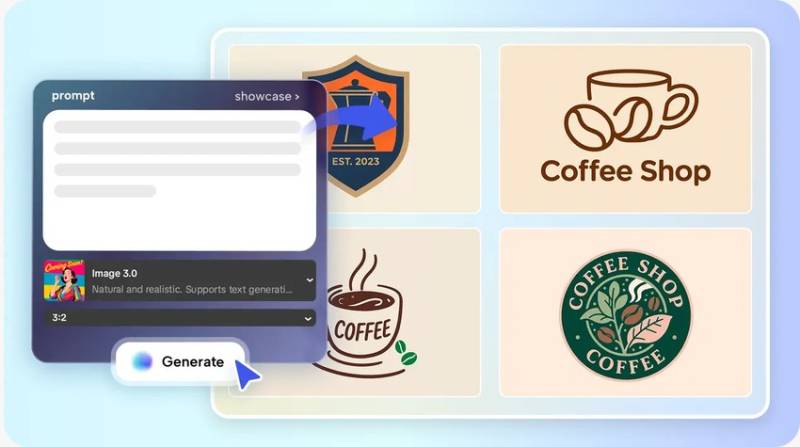
AI Models at CapCut for image excellence
The Seedream 4.0 model of CapCut provides professional-ready product images. It gives sharp textures and natural lighting appropriate to the promotion. Image 3.1 and Image 2.0 Pro serve concept visuals, packaging previews or stylized product scenes. This plasticity assists brands to experiment with various styles prior to determining their aesthetic identity. Style control with prompt-based control brings even greater precision, allowing particular angles or moods that are brand-directed. These models also contribute to the detailed references so that each generated image would be accurate and correspond to the actual design of a product.
Steps to Boost Your Brand Identity With an AI image generator for Products
Step 1: Enter the Product Design Interface
Begin by opening CapCut online image editor and choosing the "Image" tab from the top menu. Click the "New image" tab to move directly into the product branding workspace.
Step 2: Set Product Style, Model, and Display Size
In the prompt box, describe your product visuals with clarity. Select an AI model such as Seedream 4.0, Image 4.0, Image 3.1, or Image 2.0 Pro based on how realistic or stylized your branding needs to look. Pick the proper aspect ratio for storefronts, ads, or social media. Upload the reference image from your device or from cloud space to guide the image design and maintain brand accuracy.
Step 3: Generate Branded Visuals and Refine Details
Click the "Send" button when everything is ready. CapCut's AI will analyze the text and produce the required design in seconds. Use built-in tools for color correction, AI upscaling, background replacement, and more to sharpen product presence. You can also add elements, text, shapes, and stickers to strengthen visual identity. CapCut gives you full freedom
Step 4: Download for Marketing Use
When satisfied, click the "Download" tab present in the top right corner. From the filters icon adjacent the download tab you can choose custom format, size, and quality. You can also copy the designed image as PNG to your local device for quick deployment.
Improving Product Shots With the CapCut Editor
CapCut takes product shots to the next level by offering features that keep the shots clear, precise, and of high quality. Its AI upscaling software refines tiny packaging details so that the text and designs are crisp. Background replacement allows creators to use products in studio settings, lifestyle settings or thematic spaces. This versatility allows brands to narrate more stories without having to use physical sets. Color correction makes sure that all assets are in accordance with brand rules and color palette. Adding shadows, reflections, and mock-ups is achievable without external tools to make the photo look more realistic. All improvements are compatible on the same browser window, making production quick and focused.
Creating a Unified Brand Image with AI-generated Visual Selections
A unified visual library reinforces brand recall both between campaigns and platforms. CapCut assists creators in creating sets of related product images with the same angle, lighting arrangements, and composition. These visual sets are effective on catalogs, banners, thumbnails and product pages. CapCut templates can be used to support current campaigns, season changes, or the launch of new products. Regular design principles render every visual component of a single system. This coherence enhances the experience of the customer as he or she browses or compares the products.
Incorporating Product Imagery in Wider Brand Resources
The role of product images is crucial in the sphere of e-commerce, social media, and advertisements. CapCut simplifies the process of modifying visuals among ad creators, short-video teasers, poster, or multi-platform promotions. Image quality: The output is of high quality, with support of 8K-quality assets, to ensure clarity even in large-format media. Brand recognition also goes up when the images are consistent in all the locations. This interoperability is transformed into a strong business asset to companies that operate within fast-paced markets.
Conclusion
The future of product branding is now defined by AI-based visual production. Creative barriers are minimized by available tools and assist brands in sustaining cohesive visual ecosystems. CapCut provides a complete ecosystem of creating, improving, and exporting professional product images. Its editing, AI models, and high-resolution features are the best option of creators who want to be accurate and fast. Experimentation continues to play an important role in finding new brand stories. When AI assists in all the phases of creative work, new visual concepts are developed within a short period.